
01The challenge
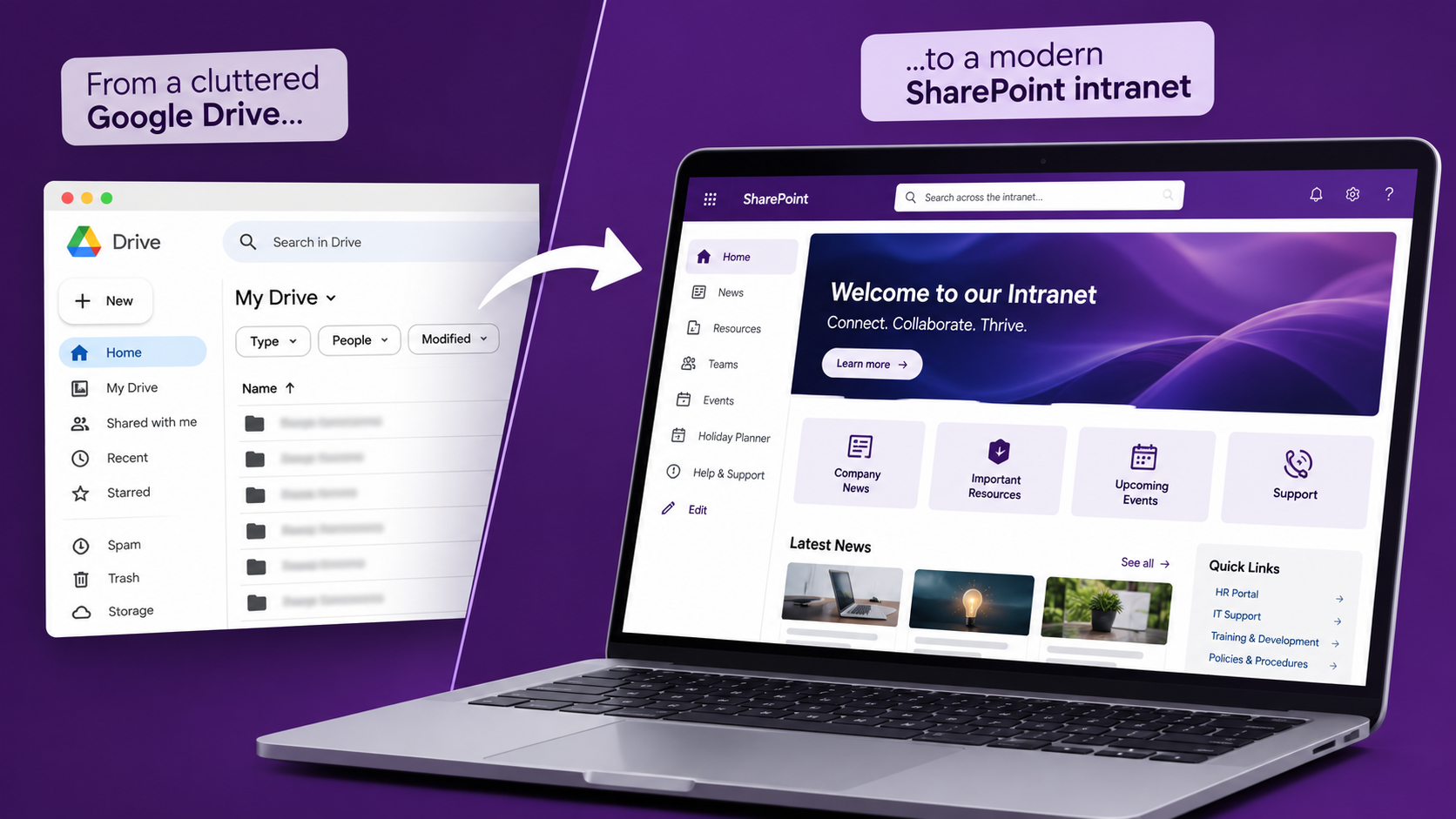
The company is a fully remote arts technology platform with a team of 15 to 20 people. With no physical office, its shared files are the closest thing the team has to a workplace. When the company moved from Google Workspace to Microsoft 365, that workplace came across in disarray.
Work was spread across personal drives and loosely named shared folders. There was no agreed naming convention, so the same type of document could be saved under different names in different places. Finding a contract, a project brief or the latest version of a file usually meant asking a colleague or searching and hoping for the best.
I saw the move to Microsoft as an opening. SharePoint could hold the company's work in one place, but there was no intranet yet. Without a structure designed around how the team actually works, the migration risked carrying the same problems onto a new platform.
02The approach
I started with the people, not the files. Every structural decision came from how the team works day to day.
1. Auditing the team. I audited how each person works, what they mainly work on, how they collaborate on projects, and how they named and stored their files. This showed me where work overlapped, where it handed over between people, and where it got lost.
2. Mapping user journeys. From the audit, I created a user journey for each team member. Each one traced what that person needs to find, create and share in a normal week, and where their time was being lost.
3. Researching comparable roles. I researched positions similar to each team member's to see how those roles typically document and file their work. This gave the structure a proven reference point, so it wasn't built on existing habits alone.
4. Designing the site map. With the groundwork in place, I designed a site map for an intranet that didn't exist yet. Each department received its own site, set up to work as that department's database, with a planned folder structure inside it.
5. Building the naming system. I developed a naming convention for folders and files based on how people search and how documents move between teams. When every file follows the same logic, finding it becomes predictable.
6. Building and designing the intranet. I built the SharePoint site and its six pages, organised the folders to the new system, and designed the spaces and widgets for each team around the features they use most.
7. Documenting for adoption. I wrote a user manual explaining how to use the intranet, with a full breakdown of the folder and file naming conventions, so the structure holds as the team grows.
03The result
Within three to four months, the company went from scattered files to a fully set-up intranet that reflects how its team works remotely. SharePoint became the company's office space: one place for 15 to 20 people to find work, share it and start the day.
• Organised by design. Work is structured by department and follows one naming system the whole team can use.
• Easy to find. Files are quick to find, without asking a colleague where something lives.
• Built for each team. Each department has its own space across the six pages, with widgets designed around the way it works.
• Made to last. The user manual and naming convention guide give current and new staff a clear reference, so the structure is maintained rather than slowly lost.
I designed the pages to be clean and motivating to use. For a team with no building to walk into, that matters. The intranet is now where the companies' work lives, and where the team comes together each day.